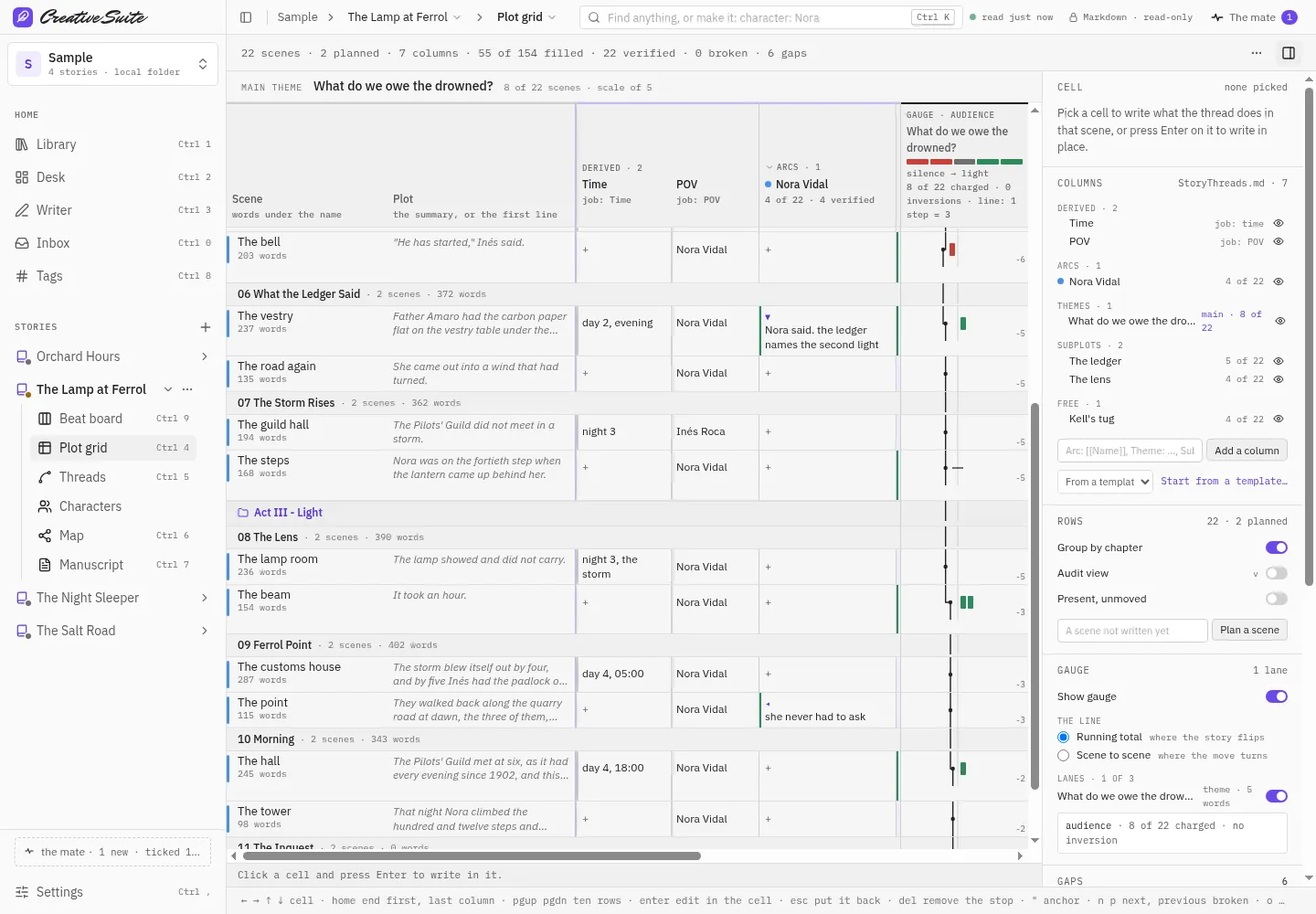
Your book on one grid
Every scene, its point of view and the threads that run through it, laid out so the sag in chapter twelve shows itself.
A free writing app that shows you the structure of your book (its scenes, threads and characters) over the files you already write in. Made by a novelist who is also a software engineer.
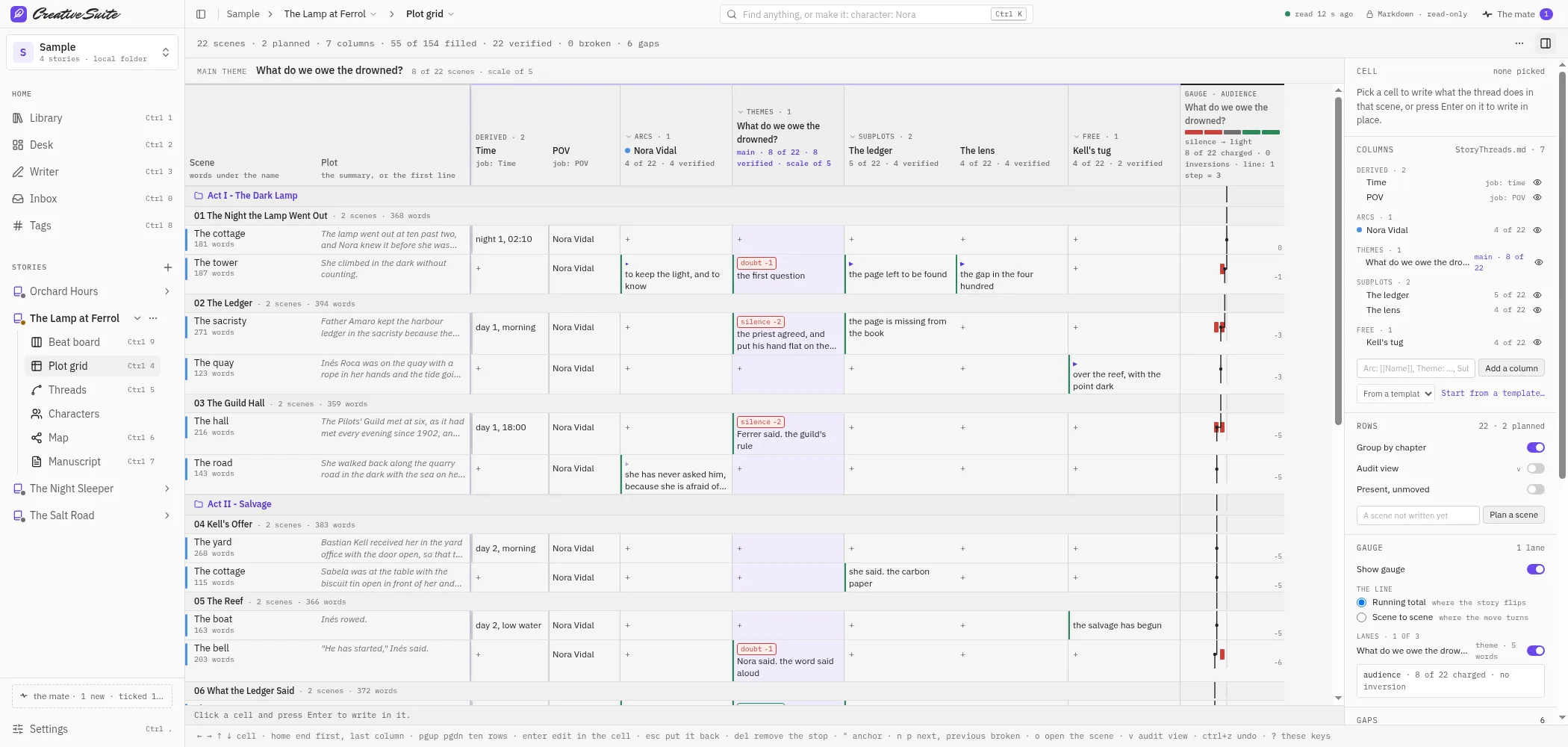
Every scene, its point of view and the threads that run through it, laid out so the sag in chapter twelve shows itself.
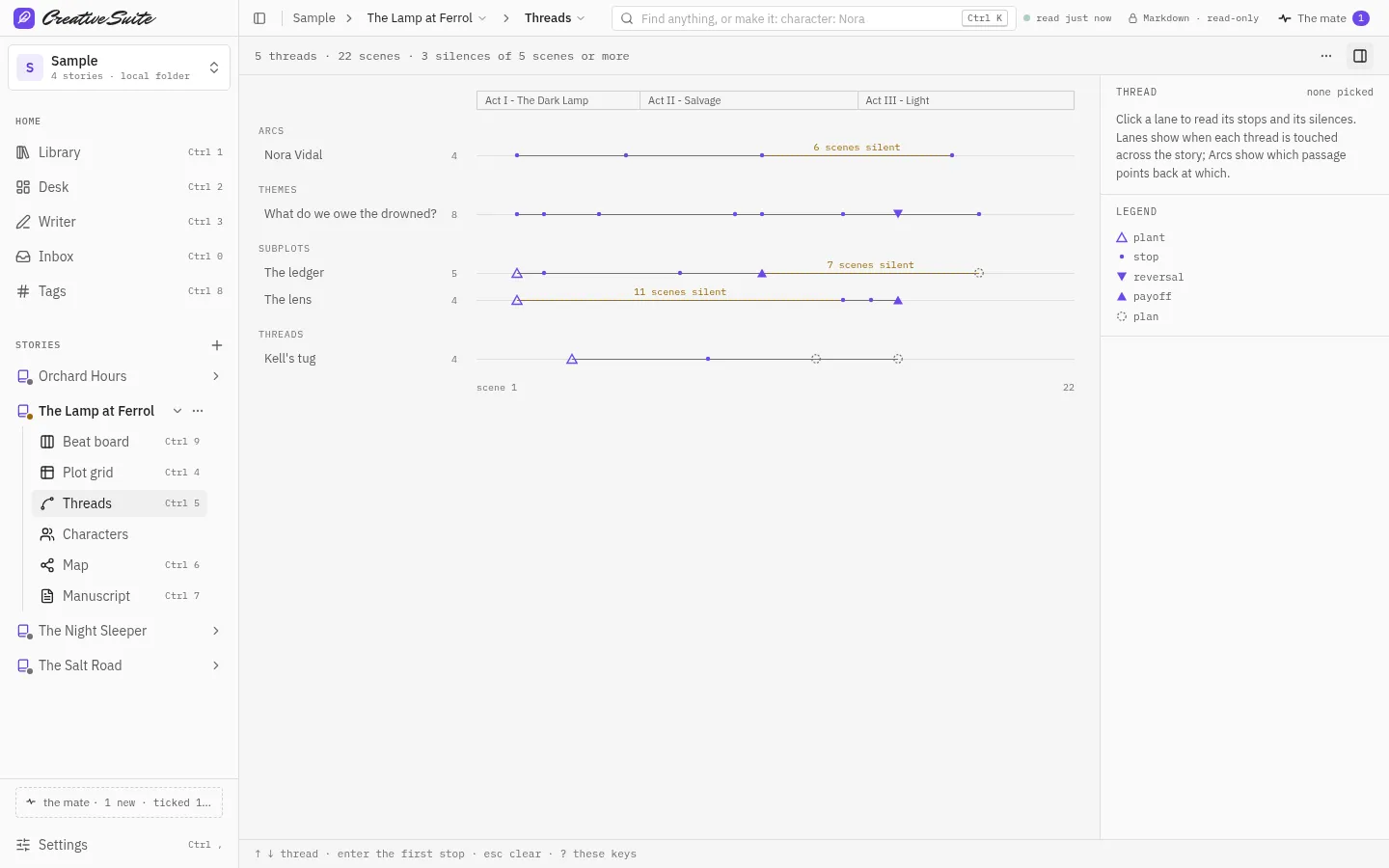
Each subplot traced across the book, so nothing goes missing and nothing arrives unearned.
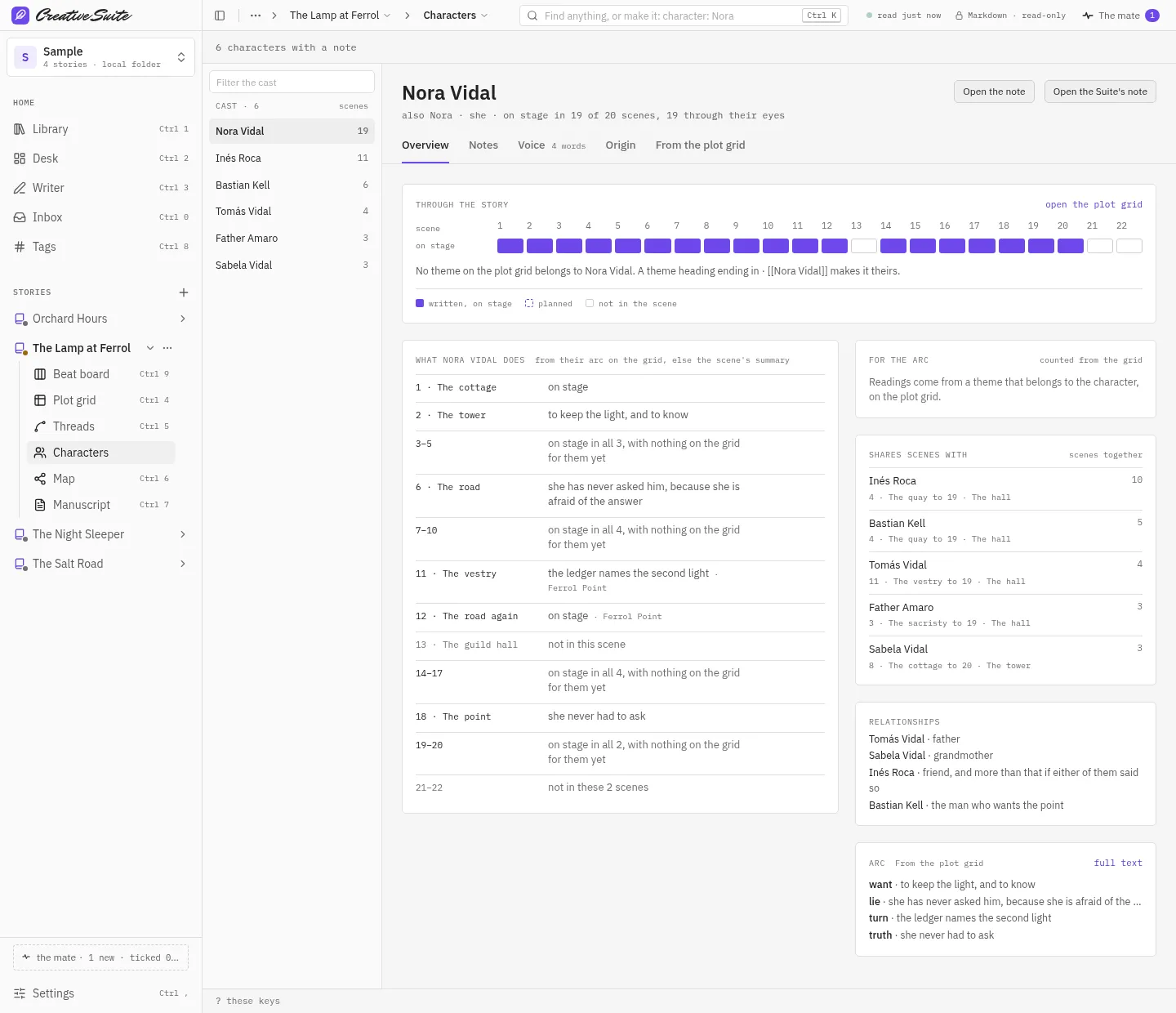
What each character carries from scene to scene, and where they turn.
Five views for the five things writers do. Use all of them, or only the one you need this week.
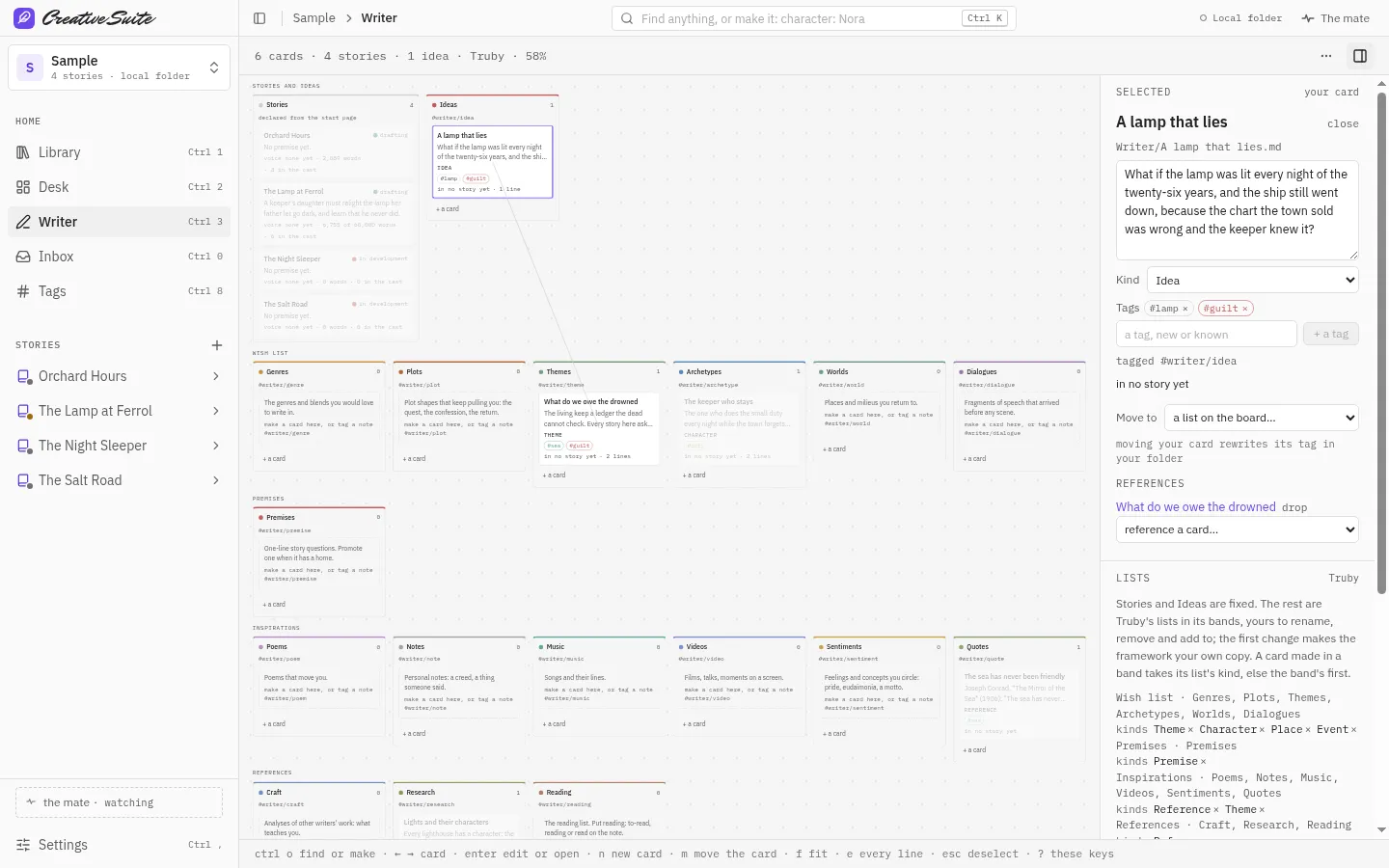
Keep references, lines, images and half-ideas in one library. It belongs to you, not to one story.
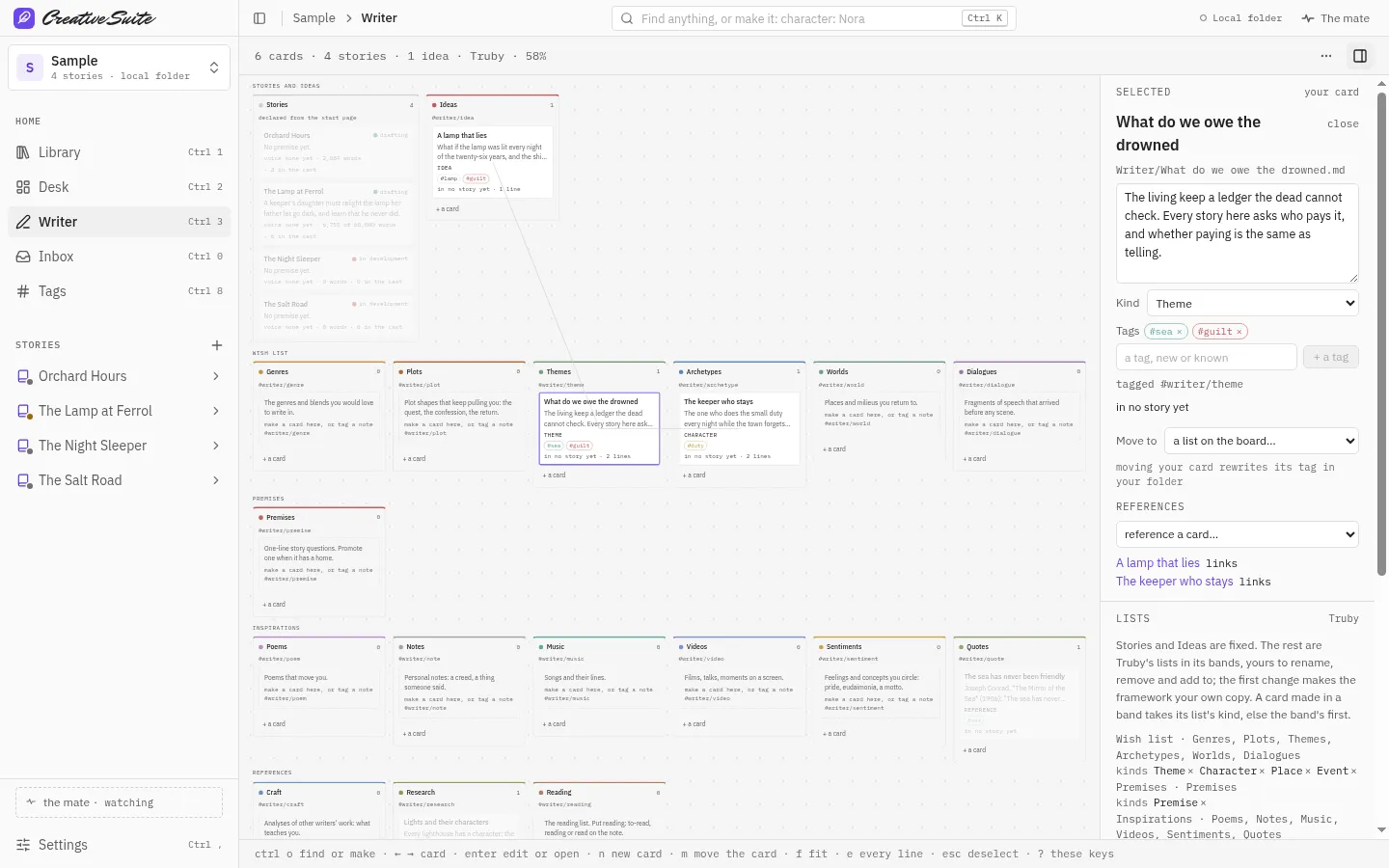
Drop ideas into acts, chapters or any structure you like. Rename the lanes to match how you think.
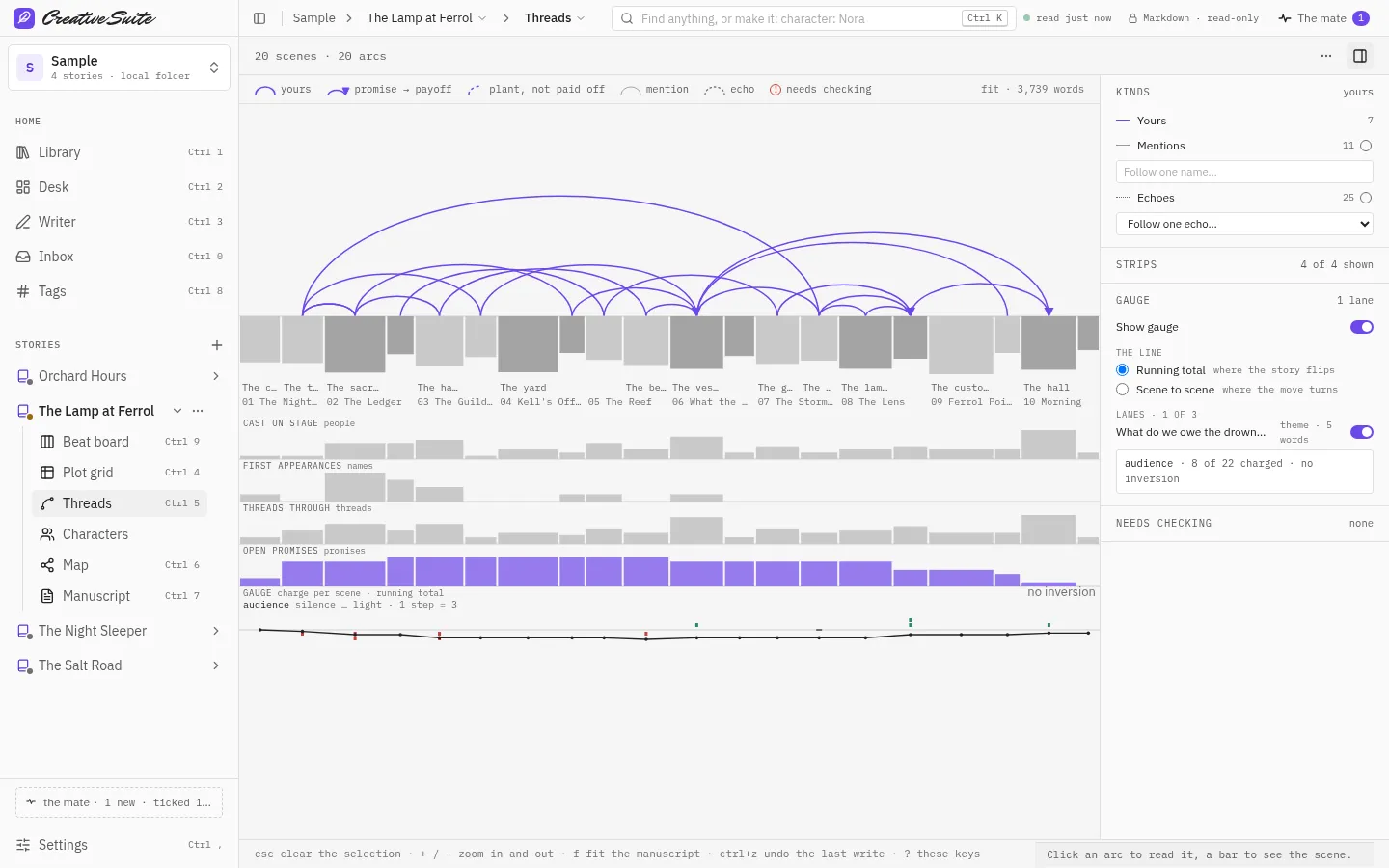
Every scene, every thread, on one page. See what you planted and where it pays off.
Find the loose ends: a payoff with no plant, a thread that goes quiet, a scene the outline plans but the draft does not have yet.
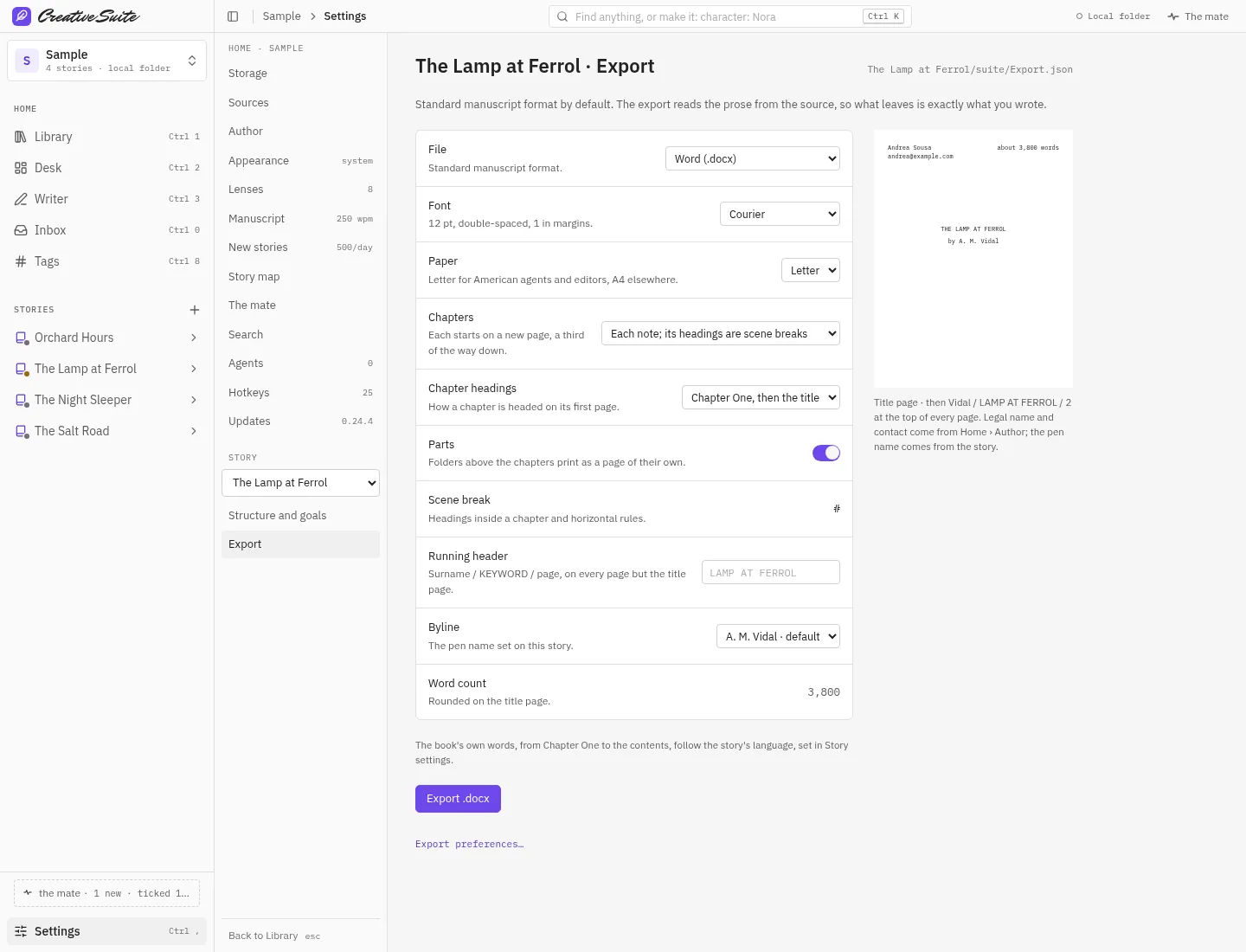
Turn the draft into a standard manuscript, ready for an agent or a publisher to read.
Open the one that fits the question you have today. They all read from the same story, so a change in one shows up in the others.
Every reference, line, image and idea you keep, shared across all your stories. Tag them, search them, and link them into any story.
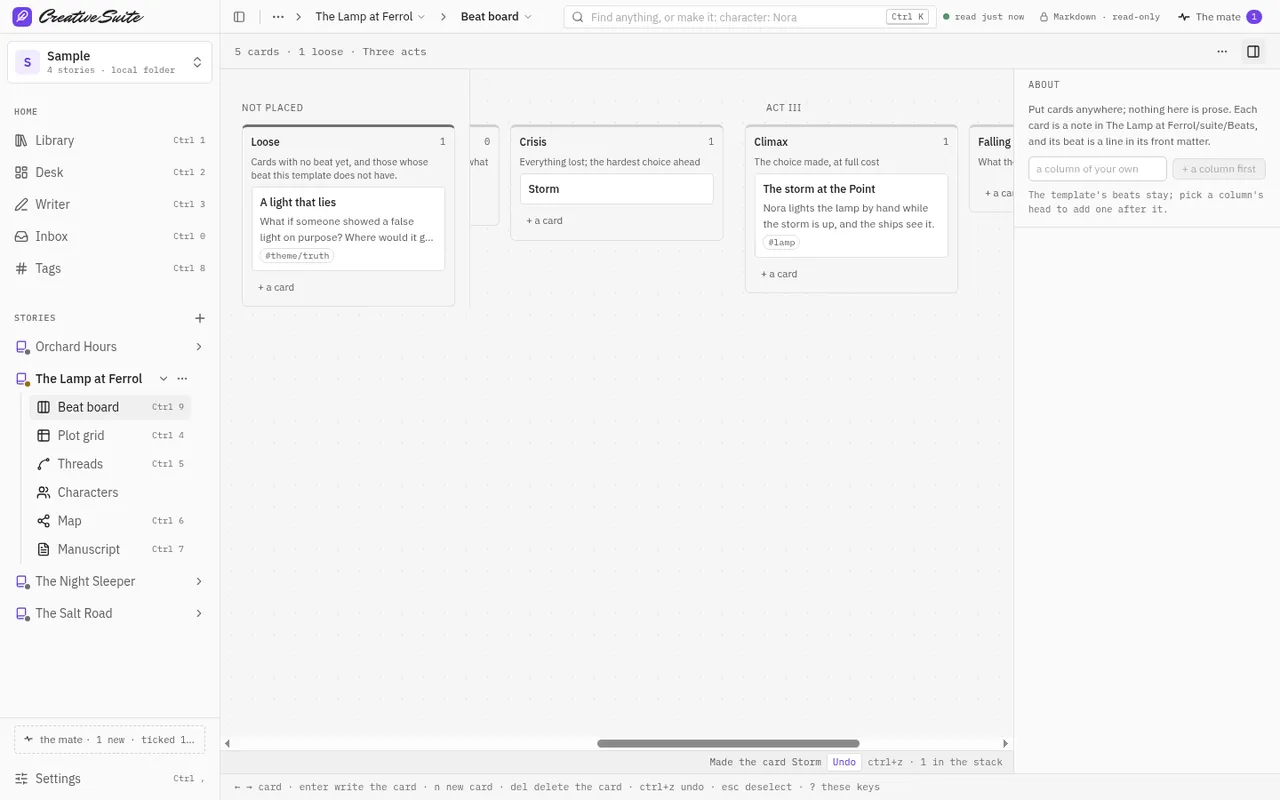
Cards in lanes named after your structure: acts, parts, chapters, or your own. Drag ideas in before a single scene is written.
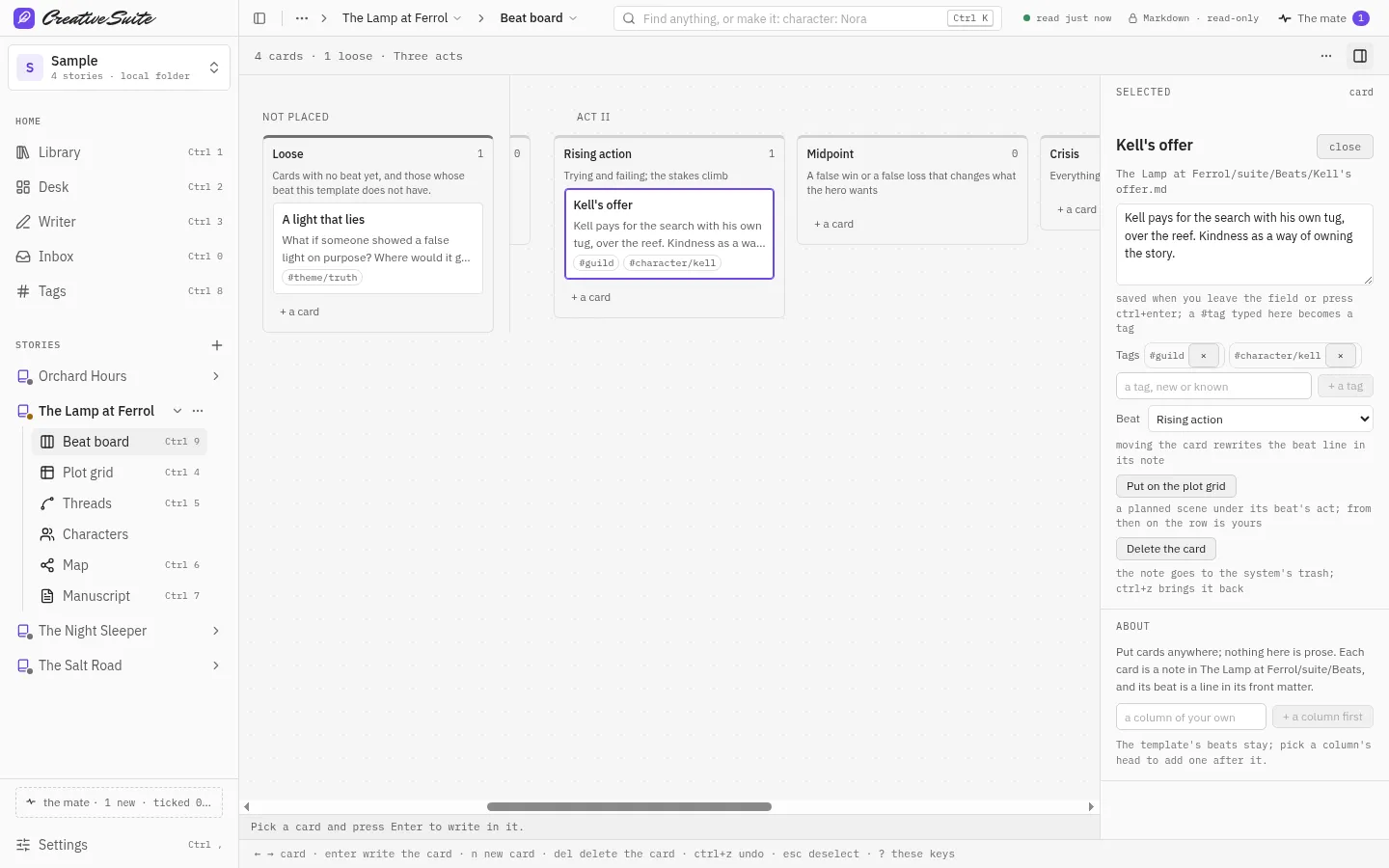
Scenes across the top, threads down the side. See what you planted, where it returns, and where a thread goes quiet.
Follow one storyline from first mention to last. Plants, payoffs and reversals are marked, and a broken link is flagged.
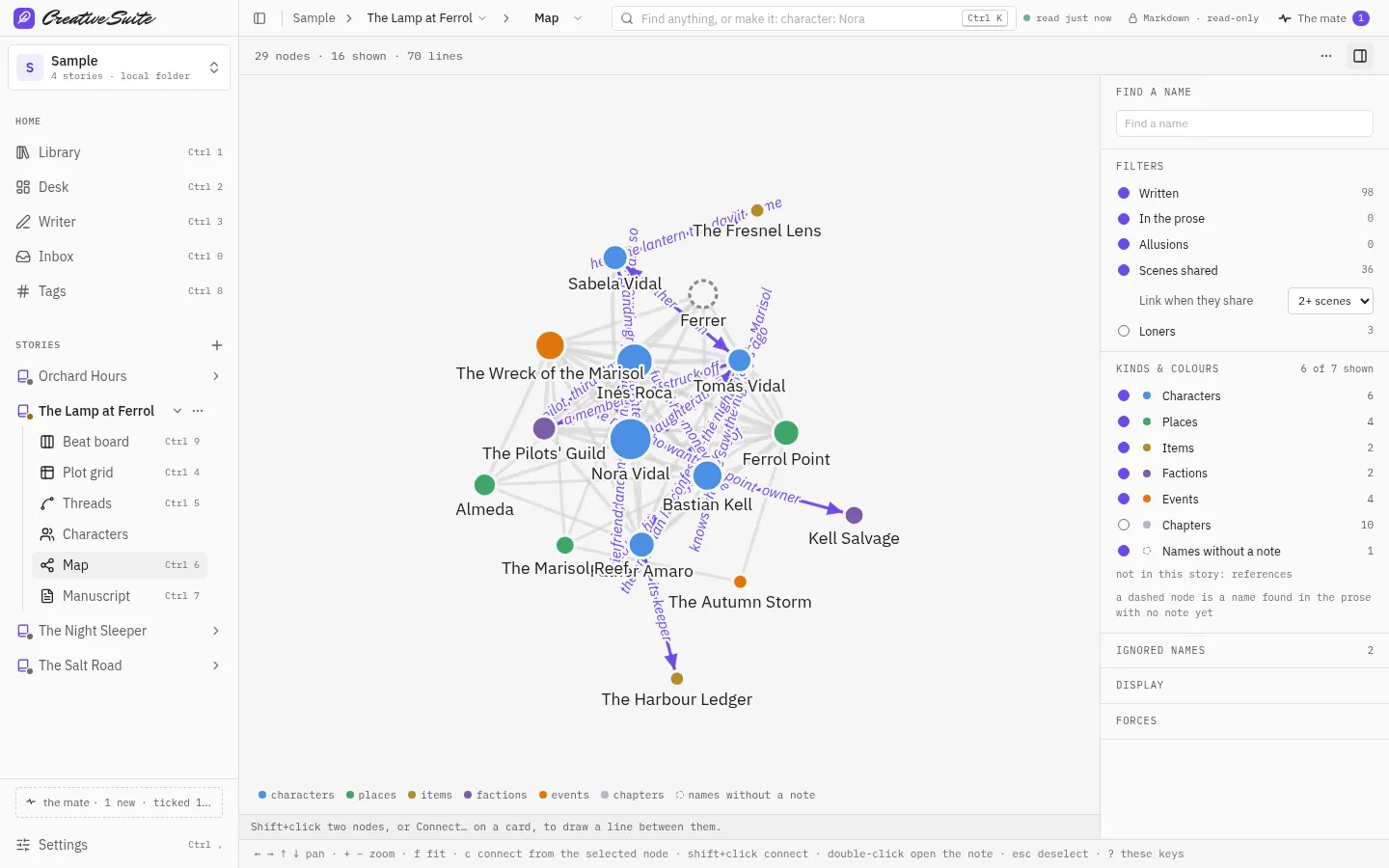
Characters and places, joined by the scenes they share. Spot the loners and the pairs that never meet.
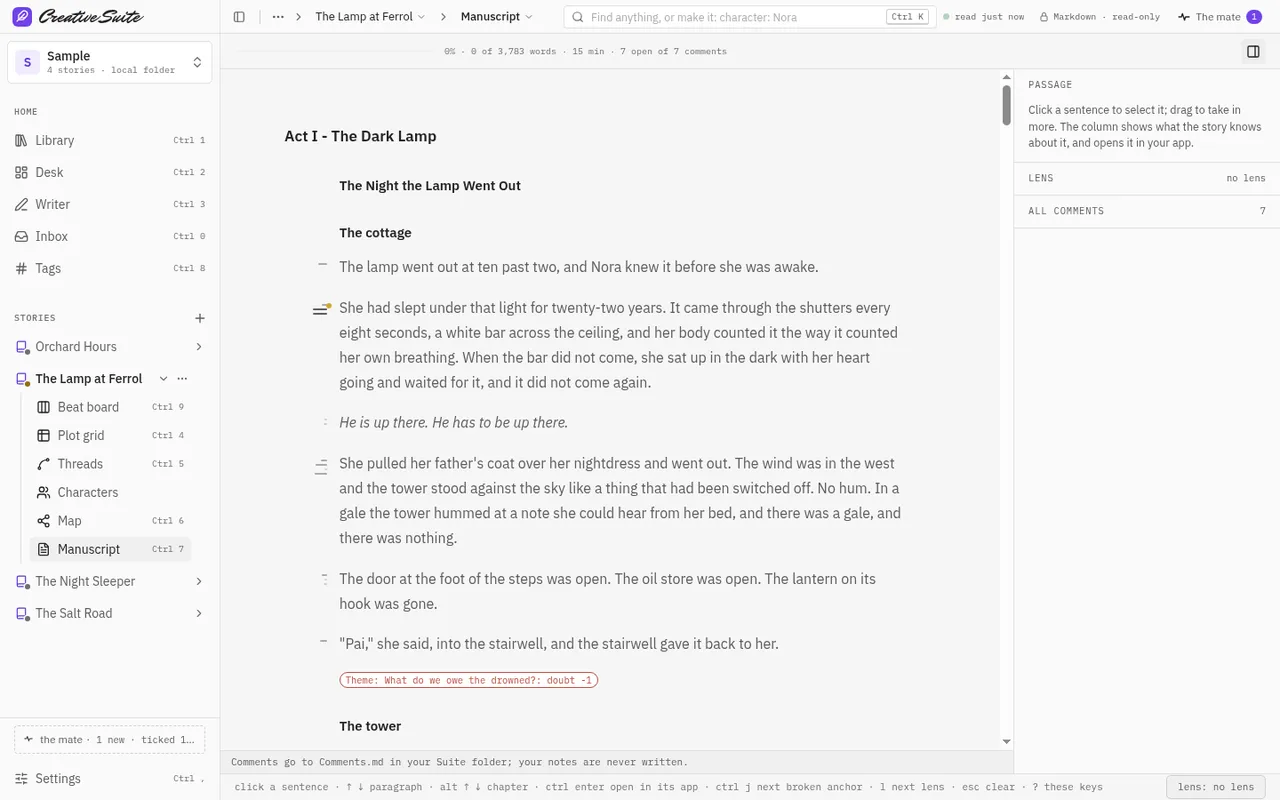
The whole draft as one scroll, first line to last. Select a passage to see its threads, then open it in your own app.
Leathercase reads the files you write in and never changes them. What it adds is markdown and JSON beside your stories, readable without it, today or in twenty years.
Connect your own assistant if you want one. You see everything it touches, and it never writes prose.
No trial, no account, no locked features.

I’m André Amnc. I write novels, and I’ve spent my career building software. I made Leathercase to see my own books whole, and I’m giving it away because writers shouldn’t rent access to their own manuscripts.
André AmncThe Software Engineer for WritersLeathercase is free and stays free. If it helps your writing, you can keep it growing: patrons fund new features and get a vote on what comes next.
No trial, no account, no locked features.